Loss of comms: what the vehicle does when the network goes away
Every mobile robot has a vendor-defined response to a dropped network, set by timers you cannot see from the access point, and you need those numbers for every vehicle before you can say whether any roam is good enough.

Every vehicle on your floor will lose the network at some point. What it does next was decided by its vendor, not by your access points.
The documented responses run from carrying on as if nothing happened to sitting down and powering off. Between those sit timers. The timers are the real requirement for your wireless design.
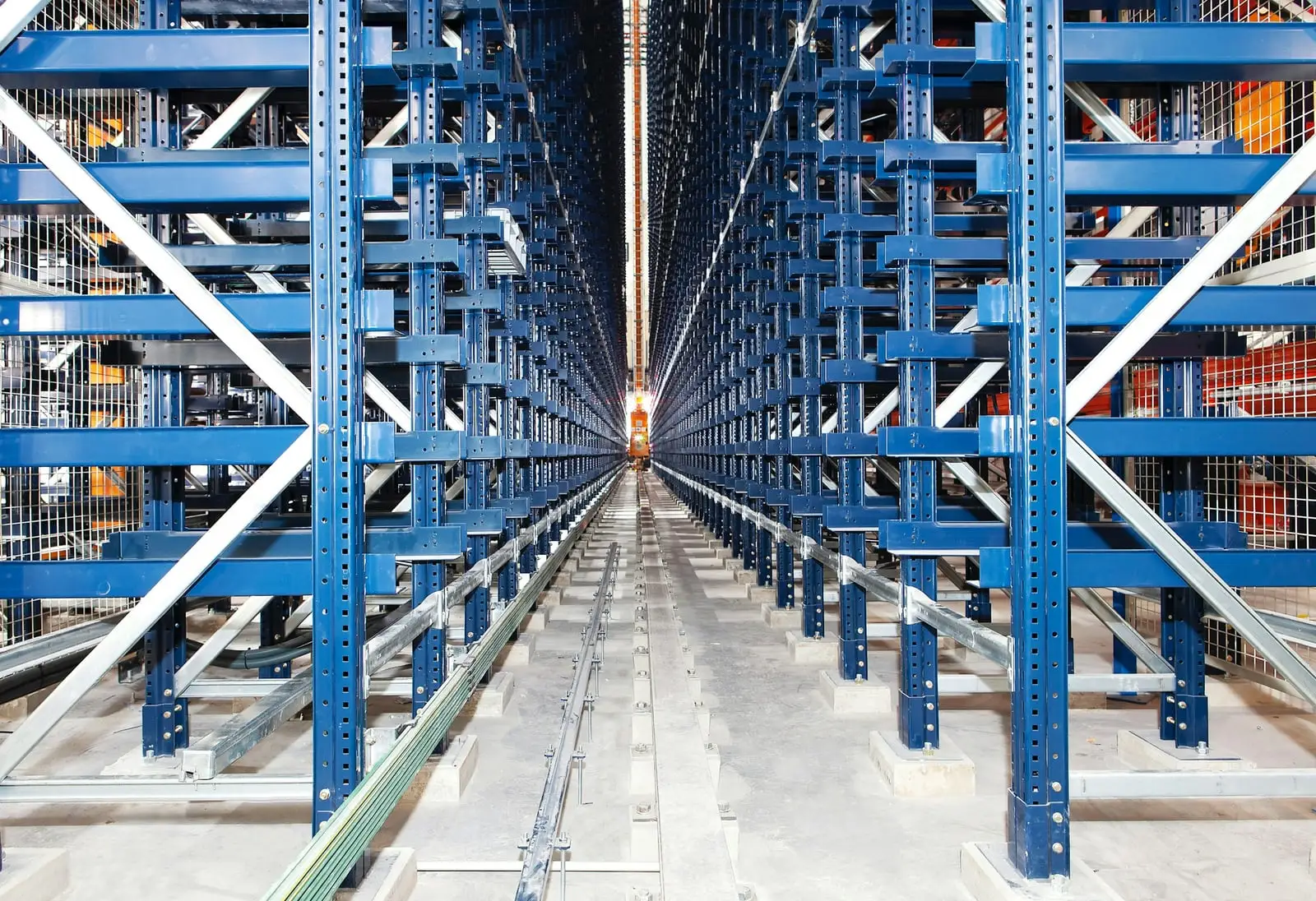
Field note. When an autonomous bot disconnects inside a safety-enclosed structure, the result is a temporary shutdown and a manual retrieval.
Why the wireless engineer needs these numbers
A roam is a short loss of comms. NIST’s OT security guide says so plainly: when roaming between access points, devices may experience temporary communication loss.
Whether that gap matters depends on the vehicle. If the gap ends before the vehicle’s shortest timer runs out, nothing happens. If it does not, the vehicle does whatever its vendor programmed.
The timers on one vehicle can differ by orders of magnitude. One robot vendor’s example keepalive policy takes its first action at 10 seconds1. A CIP Safety connection at its documented defaults times out at 40 ms2.
Without these numbers you cannot say whether any roam time is good enough. With them, the requirement writes itself. The worst-case gap has to fit inside the shortest timer that triggers a behavior the operation cannot absorb.
The behaviors vendors document
Public documentation describes four broad responses. Several of the documents below combine them, on different timers.
When the network goes away
Two clocks notice the drop. What happens next is set by the vehicle's maker, not by the wireless network.
Schematic, not to scale
Which response a vehicle uses, and on which timers, is the maker's choice; several documents combine them. One documented example escalates from recording an event at 10 seconds to turning the robot off at 60. Ask every vehicle vendor for each timer in writing, with the software version it applies to.
Sources: VDA 5050 version 3.0.0, Boston Dynamics Spot documentation, and the CIP Safety connection reaction time limit.
Field note. Most AGVs are set up to brake and stop as soon as they can when the network drops. Some recover on their own. Others need a person to reset their faults.
Carry on with what it already has
The vehicle keeps executing the work it already holds and stops receiving new work.
VDA 5050 is the open interface between fleet control and mobile robots, published by the German automotive industry association with the VDMA. It is explicit. A robot that disconnects from the broker keeps all the order information and fulfills the order up to the last released node.
The interface treats wireless as unreliable by design. It expects communication over wireless networks, considering the effects of connection failures and potential loss of messages. Once fleet control releases part of a route, it shall assume the robot has already executed it.
Clearpath Robotics documents the same pattern for its outdoor navigation software, which continues navigation if the Wi-Fi disconnects or goes out of range. The same page notes that the web interface may then lose the ability to issue a stop command or send new missions.
Underline that second sentence. While the vehicle carries on, any command that travels over the network is not reaching it.
What carries on is the vehicle, not the fleet. MiR’s network guide lists what a poor network breaks at fleet level. Its robots can still perform some tasks, but collision avoidance, auto charging, limit-robot zones, and fleet mission execution will not work optimally or at all.
Stop at the next decision point and wait
VDA 5050 splits a route into a released base and an unreleased horizon. The last released node is the decision point. The robot shall stop at the decision point if no further nodes and edges are added. As it nears the end of its base without an update, it signals that it will reduce speed.
So the distance a vehicle can travel without the network is set by how far ahead fleet control releases the route. That is a fleet setting. Ask for it.
Version 3.0 also defines zones a robot may enter only with permission from fleet control. If that release expires or is revoked while the robot is inside, the zone says what happens: stop and report a critical error by default, continue, or evacuate the zone.
Stop and power down on a timer
Boston Dynamics documents that when Spot loses its link to the operator, the standard behavior is to sit down and power off.
Its keepalive service makes the escalation explicit. A policy is a list of actions, each on its own timer. The vendor’s own example records an event at 10 seconds, begins AutoReturn at 15, shuts off motor power at 25, and turns the robot off at 60.
AutoReturn walks the robot back along its recent path, toward where it last had a link. It does not override the stop timer. If the E-stop timeout fires first, the robot sits down and powers off, even in the middle of AutoReturn.
Spot’s 2025 instructions for use describe the timers tied to the operator’s remote controller. Lose the connection during manual operation and Spot halts with its motors on and waits for the controller. Lose it during an automatic mission and Spot continues the mission. Both are capped by a controller supervision setting: 9 seconds by default, 30 seconds at the moderate setting, or 18.2 hours unsupervised3, after which the robot sits and powers off its motors. The same document also says Spot sits after 3 seconds without controller communication and turns off its motors after 8, and does not reconcile the 8 with the 9. Ask which number applies to your software version, in writing.
Fault the safety connection
Some vehicles carry safety data over the wireless link. For those, loss of comms is also handled by the safety protocol’s own watchdog.
In CIP Safety, if no valid packet arrives within the connection reaction time limit, the safety connection times out and its input and output data go to the safe state (off). At the documented defaults, that limit is 40 ms.
This page does not describe how that stop is designed or whether it is adequate. That comes from the machine builder’s risk assessment and the applicable standards. What the wireless engineer needs from it is the number.
Detection takes time too
The fleet does not know the instant a vehicle drops. It finds out from a heartbeat.
VDA 5050 uses MQTT’s last will message. When a robot’s connection ends unexpectedly, the broker publishes a CONNECTION_BROKEN state on the robot’s behalf. Under MQTT 3.1.1, the broker decides a client is gone when it has heard nothing for one and a half times the keep alive period. Until then, the fleet still counts the vehicle as connected.
The vehicle has its own detectors. MiR documents optional Wi-Fi watchdogs in its older software that reconnect when signal strength drops below a threshold or when a ping fails. The same guide warns that if the ping target is unreachable for some other reason, such as a router, switch, or server, the robot terminates a healthy Wi-Fi link continuously, for no reason. That is a loss of comms the vehicle causes itself.
Ask for every timer on both sides. How long until the vehicle acts? How long until the fleet notices? Which fires first?
Recovery: automatic or a person
The drop may last a second. The recovery sets the downtime.
Some responses clear themselves. A VDA 5050 robot that reconnects reports itself ONLINE. A robot waiting at its decision point can continue once fleet control extends its base from that node.
Others need a person. A vehicle that has powered down, or stopped where people cannot simply walk in, waits for someone to come and get it. The field note above is that case.
Field note. Getting one stranded bot out by hand can take more than half an hour, and its cell, level, or aisle has to be locked out first. Depending on the structure, that can mean full PPE, crawling, and reaching into tight spots. When several bots drop together, it becomes hours.
A vehicle can also come back without knowing where it is.
Field note. On an assembly line, a dropped AGV faults, and the fault takes the line with it. The resets are manual, and not everything comes back right away. Sometimes the AGV has to be lined back up by hand and the system walked through where it is, and getting location back in sync can take a long time.
None of the documents above publish how long recovery takes. That number lives in your operation, so measure it the first time it happens.
Questions to send the vehicle vendor
Send these for every vehicle type. Ask for the answers in writing, with the software version they apply to.
- What does the vehicle do when it loses its link to the fleet manager: continue, stop at the next decision point, stop immediately, or power down?
- Does that change while it carries a load, docks, waits at a door or lift, or works inside a guarded or enclosed area?
- After how long does each response start? List every timer, its default, its range, and who can change it.
- How far can the vehicle travel on the route it already holds? Who sets that distance?
- Does any stop command, interlock, or safety data reach the vehicle over the wireless link? If so, what is that connection’s timeout?
- Which stop does the vehicle use on loss of comms, and is it the same stop it uses for an obstacle?
- How does the fleet manager detect the loss, and how long does that take? What happens to the vehicle’s reserved path and zones meanwhile?
- Does the vehicle run its own Wi-Fi watchdog or forced reconnect? What triggers it, and can a fault elsewhere on the network trigger it?
- When the link returns, does the vehicle resume on its own, or does it need a reset, a restart, or a person? Where does that person have to be?
- What does the vehicle log about a drop, with what timestamps, on which clock?
- What is the longest gap, worst case, the vehicle tolerates without triggering any of the responses above?
- Which wireless settings does the vendor require or forbid on the infrastructure? One AMR maker, for example, requires load balancing disabled.
Your access points decide how long a drop lasts. The vehicle decides what the drop costs.
About this page
Built from 9 sources: 2 standards bodies and labs, 1 protocol owner or alliance and 6 vendor documents. Researched and drafted with AI assistance, then reviewed and approved by Ben Rutter on . How pages are made
- First published
- Last updated
Change history (1)
- First published
Cite this page
Plain
Ben Rutter. "Loss of comms: what the vehicle does when the network goes away." OT Wireless, published October 5, 2026. https://otwireless.com/guides/loss-of-comms/
APA 7
Rutter, B. (2026, October 5). Loss of comms: what the vehicle does when the network goes away. OT Wireless. https://otwireless.com/guides/loss-of-comms/
BibTeX
@misc{rutter2026lossofcomms,
  author = {Rutter, Ben},
  title = {{Loss of comms: what the vehicle does when the network goes away}},
  year = {2026},
  howpublished = {\url{https://otwireless.com/guides/loss-of-comms/}},
  organization = {OT Wireless},
}