6 GHz on the plant floor
6 GHz buys you clean channels and airtime, but it does not shorten the roam between access points, and in several ways it makes the roam harder to get right.

On this page10 sections
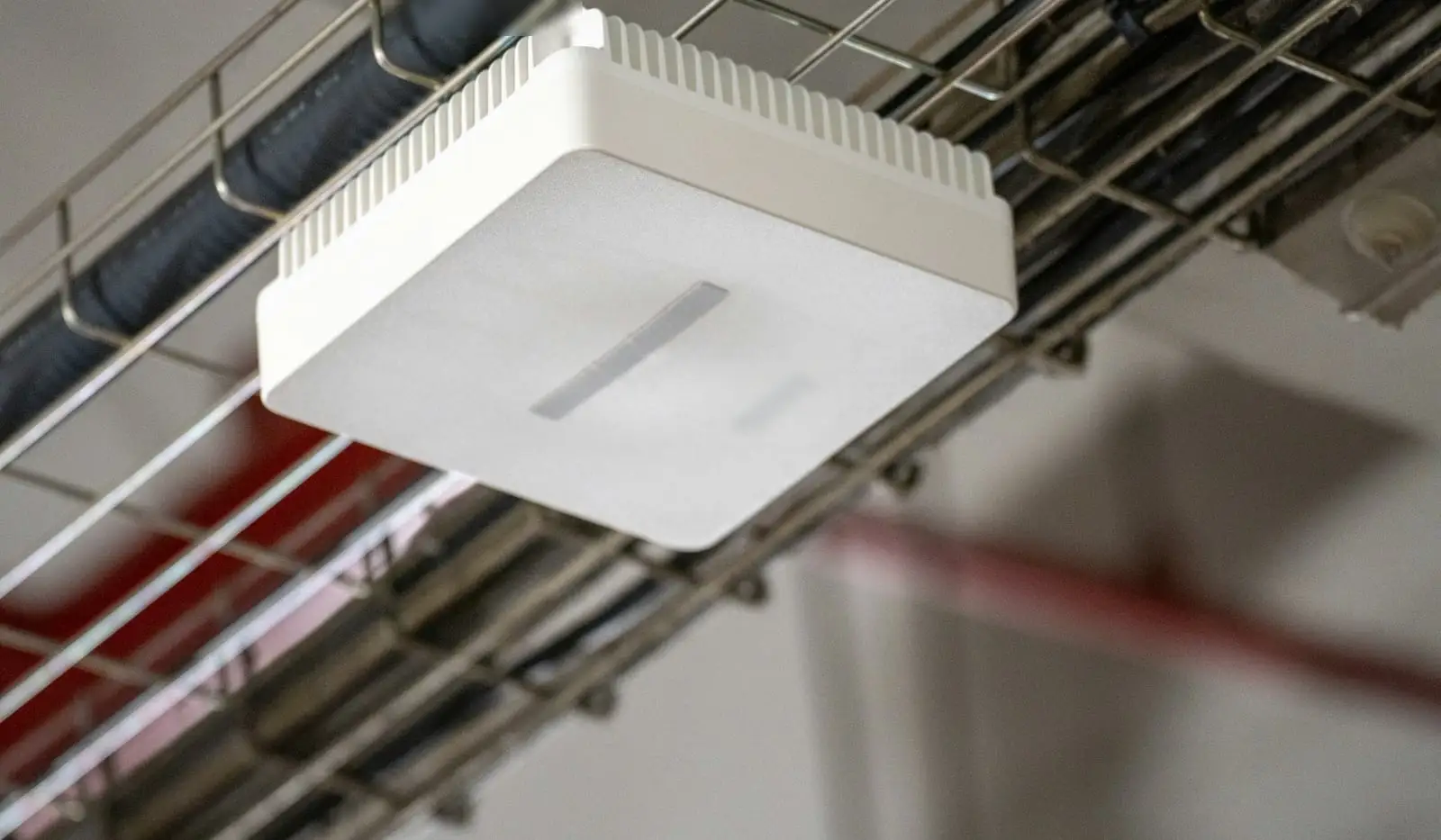
6 GHz gives you clean channels. It does not give you a shorter roam.
That distinction matters. The problem pushing plants toward 6 GHz is airtime. The problem that stops a vehicle is usually the gap between two access points. 6 GHz helps with the first. For the second, it changes the rules, and you have to test the result.
Field note. Bot and AGV density is rising across industries, and it is saturating channels. 6 GHz is being deployed to relieve that utilization. It is still early for 6 GHz in OT. Where two systems share the same space, channel utilization has averaged 60 to 70 percent at times, with spikes to 80 or 90. Moving to 6 GHz has eased that, for now.
What 6 GHz fixes
The band is wide. In the US, the FCC opened 1,200 MHz between 5.925 and 7.125 GHz1 to unlicensed use in 2020. That is 59 channels at 20 MHz2, or room for 14 more 80 MHz channels or seven more 160 MHz channels3 than you had before. Rules differ by country; the numbers on this page are the US rules.
6 GHz Wi-Fi in the US: 1,200 MHz, 59 channels, 15 that clients probe
Clients may send probe requests only on the 15 preferred scanning channels. Everywhere else they wait to hear a beacon.
The FCC opened 5.925 to 7.125 GHz to unlicensed use in 2020. Low power indoor access points may use all of it. Standard power, up to 36 dBm EIRP, is allowed in U-NII-5 and U-NII-7 only, on the channels and power an AFC system allows for that location. Preferred scanning channels repeat every fourth 20 MHz channel. Rules differ by country; this is the US.
Sources: the FCC fact sheet on unlicensed use of the 6 GHz band, 47 CFR 15.407, and one vendor's industrial wireless design guide for the preferred scanning channels.
Only Wi-Fi 6E and later devices can use it, so the band is sparsely populated and carries no older clients.
It also has no radar rules. The FCC’s dynamic frequency selection requirements apply to the 5.25 to 5.35 GHz and 5.47 to 5.725 GHz bands4. A 6 GHz channel plan is not moved by a radar detection.
The relief is real when you use the band to move load. One industrial wireless design guide keeps critical control traffic on 5 GHz and puts personnel access and non-critical applications on 2.4 or 6 GHz5. Read that as a pattern. 6 GHz takes the people and the non-critical traffic, and the 5 GHz channels your vehicles use get their airtime back.
That airtime is the point. One AMR maker’s network guide warns that above 60% channel use, its system sees latency and packet loss6.
Now the objection. Clean is a timing advantage, not a property of the band. 6 GHz is quiet because few devices use it yet. The Wi-Fi Alliance expected over 473 million Wi-Fi 6E devices to ship in 2023 alone. Plan for the band after everyone else arrives, not the one you surveyed this month.
Wide channels are not the prize for control traffic either. The same design guide advises against channel bonding because wider channels consume bandwidth without improving EtherNet/IP performance. The prize is more channels, so fewer radios share each one.
Check the vehicle’s radio first
Adoption figures for 6 GHz are rising, and none of them describe your vehicles.
Ookla’s Android Speedtest data, as summarized by one analyst, shows the 6 GHz share of US samples rising from 2% in Q1 2024 to 14% in Q1 20267. A vendor case study from one 2026 outdoor festival with 475 access points reports 48.3% of clients on 6 GHz8, using standard power under AFC. That is a vendor’s own claim about one site.
Read what those numbers count. Speedtest samples come from Android phones. The festival’s clients were phones, laptops, payment terminals and similar devices. Neither measures an AGV or an AMR.
Vehicle radios follow robot design cycles, not phone cycles. The vehicle requirements pages on this site list radios from 802.11a/b/g up to 802.11ac. The maker documents behind two of them say the same: 2.4 and 5 GHz, up to 802.11ac9 and 802.11a/b/g/n/ac on 2.4 or 5 GHz. See the OTTO 1500 and the MiR600 entries.
So the order of questions is fixed. First, does the vehicle’s radio support 6 GHz at all? Second, which device class does it support: low power indoor client, standard power client under AFC, or a geofenced variable power client? Third, in which countries? Until the vehicle vendor answers in writing, a 6 GHz plant floor is a plan for phones, tablets and people.
Will your vehicles use it
This is the first question, and the public answer is thin.
Two current robot documents reviewed for this page, from two different AMR makers, list Wi-Fi on 2.4 and 5 GHz, up to 802.11ac and 802.11a/b/g/n/ac on 2.4 or 5 GHz. Neither lists 6 GHz.
Industrial client radios with 6 GHz hardware do exist. One datasheet for a client radio aimed at AGV and AMR use lists a 5/6 GHz radio, with 6 GHz availability subject to country approvals10. Whether your vehicle vendor will support a different radio on its vehicle is a question for the vehicle vendor, not the radio datasheet.
The rules follow the vehicle too. A client of a low power indoor access point is limited to indoor locations, like the access point itself. A tugger that runs between buildings leaves that coverage at the door.
The same rule bars low power indoor access points from vehicles, naming cars and trains as examples. If your vehicle carries its own access point for a pendant or a tablet, ask how that radio is certified for 6 GHz.
Lower power, smaller cells
Low power indoor is the 6 GHz mode that needs no outside coordination. Its limits are set as power spectral density.
The access point gets 5 dBm/MHz EIRP, capped at 30 dBm. Its clients get -1 dBm/MHz, capped at 24 dBm, 6 dB below the access point. Spread over a 20 MHz channel, which adds about 13 dB, that works out to about 18 dBm EIRP for the access point and about 12 dBm for the client.
Compare the 5 GHz U-NII-2 bands, where the limit is 11 dBm/MHz conducted, before antenna gain. The 6 GHz figure already includes the antenna.
The client is the weak end. On a vehicle, the uplink starts at the vehicle’s own transmitter, which the rule holds 6 dB below the access point. Plan the link budget from the vehicle’s side.
You also lose the external antenna. Low power indoor access points must use a permanently attached integrated antenna. You cannot fit a directional antenna to cover a single aisle.
The result is smaller cells. One vendor’s deployment study found 6 GHz coverage smaller than 5 GHz and suggested 3 dB more transmit power to match11. Smaller cells mean more access points. A vehicle on the same route crosses more cell edges, and every edge is a roam.
Standard power and AFC
Standard power raises the ceiling to 36 dBm EIRP and 23 dBm/MHz in the U-NII-5 and U-NII-7 sub-bands. The price is automated frequency coordination (AFC).
The access point must determine its location, ask an AFC system which channels and power it may use, and check in at least once a day. The FCC approved the first seven AFC systems for commercial operation in February 202412.
For an OT network, read the failure rule twice. If a standard power access point cannot reach its AFC system, it may keep operating until 11:59 p.m. the following day, and then must cease operations. Your plant floor coverage now depends on a network path from the access point to an outside coordination service.
Ask the vendor what the access point does at that deadline, whether it falls back to low power indoor operation, and what your firewall has to allow.
Geofenced variable power sits in between
The FCC added a third class in its Fourth Report and Order, FCC 26-113. Geofenced variable power (GVP) devices may operate in U-NII-5 and U-NII-7 at up to 11 dBm/MHz and 24 dBm EIRP14. The rule has been in force since April 27, 202615.
The protection method differs from AFC. A GVP access point does not query a coordination service for each channel. It uses geofencing, with exclusion zones around licensed microwave links and radio astronomy sites, and it avoids the frequencies inside them.
Against low power indoor, the density limit is 6 dB higher, from 11 dBm/MHz against 5 dBm/MHz. At 20 MHz and wider, the 24 dBm cap is the binding limit. GVP clients operate 6 dB below the controlling access point, the same margin the low power indoor rule leaves.
Two limits to hold onto. GVP is not standard power: its ceiling is 24 dBm, not 36. And a class that exists in the rules does not exist on your floor until a vendor ships certified access points and your vehicle’s radio can join one. For how GVP treats vehicles and client-to-client links, use the US rules page and the 6 GHz tracker, which record the clause for each case.
Ask the same questions you would ask about AFC. What does the access point do when its location or geofence data is unavailable? Which class does each radio on the vehicle support?
Slower discovery, slower roams
On 5 GHz, clients find access points by probing. 6 GHz takes most of that away.
With 59 channels to cover, free probing would flood the band. So clients may only send probe requests on preferred scanning channels, every fourth 20 MHz channel, which cuts the scan list from 59 to 15. Everywhere else, a client listens for beacons. With beacons every 102.4 ms, a passive sweep of all 59 channels takes over 6 seconds.
The band has workarounds. Access points can send discovery frames or unsolicited probe responses about every 20 ms. Multi-band access points list their 6 GHz radios in a Reduced Neighbor Report inside their 2.4 and 5 GHz beacons, so a client can find 6 GHz without scanning it. 802.11k neighbor reports and 802.11v transition requests hand the client a candidate list. One handheld maker states its devices find the best access point up to 78% faster16 with all three enabled. That is a vendor claim.
Not every client uses every method. In one vendor test, Apple clients did not discover an SSID that existed only on 6 GHz, because they do not support in-band discovery. Nobody has published how your vehicle’s radio behaves.
Discovery matters for the roam because a client that has to search blind takes longest. One AMR maker describes what happens when a robot cannot build its candidate list in advance. It has to disconnect, scan, and choose, which can take several seconds, with complete loss of communication in the meantime. That example is about hidden SSIDs on the 2.4 and 5 GHz bands that robot supports. A blind search on 6 GHz is slower, not faster.
The deployment guides converge on two settings: put 6 GHz radios on preferred scanning channels and keep 802.11r enabled, and keep 802.11k and 802.11v on. Then ask the vehicle radio vendor one question. In 6 GHz, how does your client build its list of roam candidates?
Mandatory WPA3 changes the fast roam
6 GHz has no open networks, no WPA2, and no transition mode. The WPA3 specification requires a 6 GHz access point to run with protected management frames required, and bars clients from any PSK or FT-PSK key management, or 802.1X with SHA-117. SAE must use the hash-to-element method.
One AMR maker’s guide suggests a WPA2-PSK fast roam, which 6 GHz does not allow. It suggests limiting security to WPA2-PSK to speed up authentication, or caching keys instead. Neither WPA2-PSK nor FT-PSK is allowed in 6 GHz.
Two fast transition methods remain. FT with SAE and FT with 802.1X both count as WPA3 associations. They are recent arrivals. Fast BSS transition entered the WPA3 specification in version 3.2, in December 2023. One major controller platform documents FT with SAE from software release 17.9.118.
So the question for the vehicle radio is specific. In 6 GHz, does it do FT with SAE, FT with 802.1X, or neither? If neither, the roam falls back to a slower method, and you need to measure what that costs on your route.
Wi-Fi 7 does not remove the roam
Wi-Fi 7 brings multi-link operation (MLO). A multi-link device is one entity controlling two or more radios co-located on the same hardware, and a client can switch traffic between those links without a break.
That is a bond inside one access point. When the vehicle drives out of that access point’s cell, it still roams to the next one.
Wi-Fi 7 also carries the security rule into every band. An association that negotiates multi-link operation may not use any PSK key management, on 2.4, 5, or 6 GHz.
The work that targets the roam itself is 802.11bn, the basis of Wi-Fi 8. It defines roaming between access points inside a mobility domain, with a make-before-break handover and no re-authentication.
802.11bn is a draft. The IEEE lists it at draft 2.0, with approval predicted for May 202819. For comparison, Wi-Fi 7’s standard, 802.11be, was approved in September 2024. Until make-before-break roaming is a ratified standard in the radios on your vehicles, plan for a break.
What to carry into the design
- Use 6 GHz to move load off the channels your vehicles depend on.
- Confirm in writing that the vehicle’s radio supports 6 GHz, in your country, and which device class and fast transition method it uses there. Phone and laptop adoption figures do not answer this.
- Build the link budget from the client’s limit, 6 dB below the access point, and expect more cells.
- Choose low power indoor, geofenced variable power or standard power deliberately. If standard power, design the AFC path and know the deadline.
- Put radios on preferred scanning channels and keep neighbor reports on.
- Measure the worst-case roam on the real vehicle, in 6 GHz, under the security you will run.
6 GHz buys you airtime. The roam is still yours to prove.
About this page
Built from 22 sources: 1 standards body or lab, 6 regulators and government sources, 2 protocol owners and alliances, 2 research papers and theses, 10 vendor documents and 1 other source. Researched and drafted with AI assistance, then reviewed and approved by Ben Rutter on . How pages are made
- First published
- Last updated
Change history (1)
- First published
Cite this page
Plain
Ben Rutter. "6 GHz on the plant floor." OT Wireless, published October 6, 2026. https://otwireless.com/guides/6-ghz-on-the-plant-floor/
APA 7
Rutter, B. (2026, October 6). 6 GHz on the plant floor. OT Wireless. https://otwireless.com/guides/6-ghz-on-the-plant-floor/
BibTeX
@misc{rutter20266ghzontheplantfloor,
  author = {Rutter, Ben},
  title = {{6 GHz on the plant floor}},
  year = {2026},
  howpublished = {\url{https://otwireless.com/guides/6-ghz-on-the-plant-floor/}},
  organization = {OT Wireless},
}