Racking and inventory levels
Your coverage was measured at one inventory level, and every change in what fills the racks changes an RF path the survey no longer describes.

On this page5 sections
Is this your problem? It presents like this
- Drops happen in particular aisles or at particular rack faces, often the same spots each time.
- Problems appear, grow, or move as stock builds up or runs down, or after a re-slot.
- Mobile devices drop as they travel down an aisle, and roams fail or happen late.
- Channel utilization is normal; the signal is the problem.
- The original survey still shows the area as covered.

Why it happens
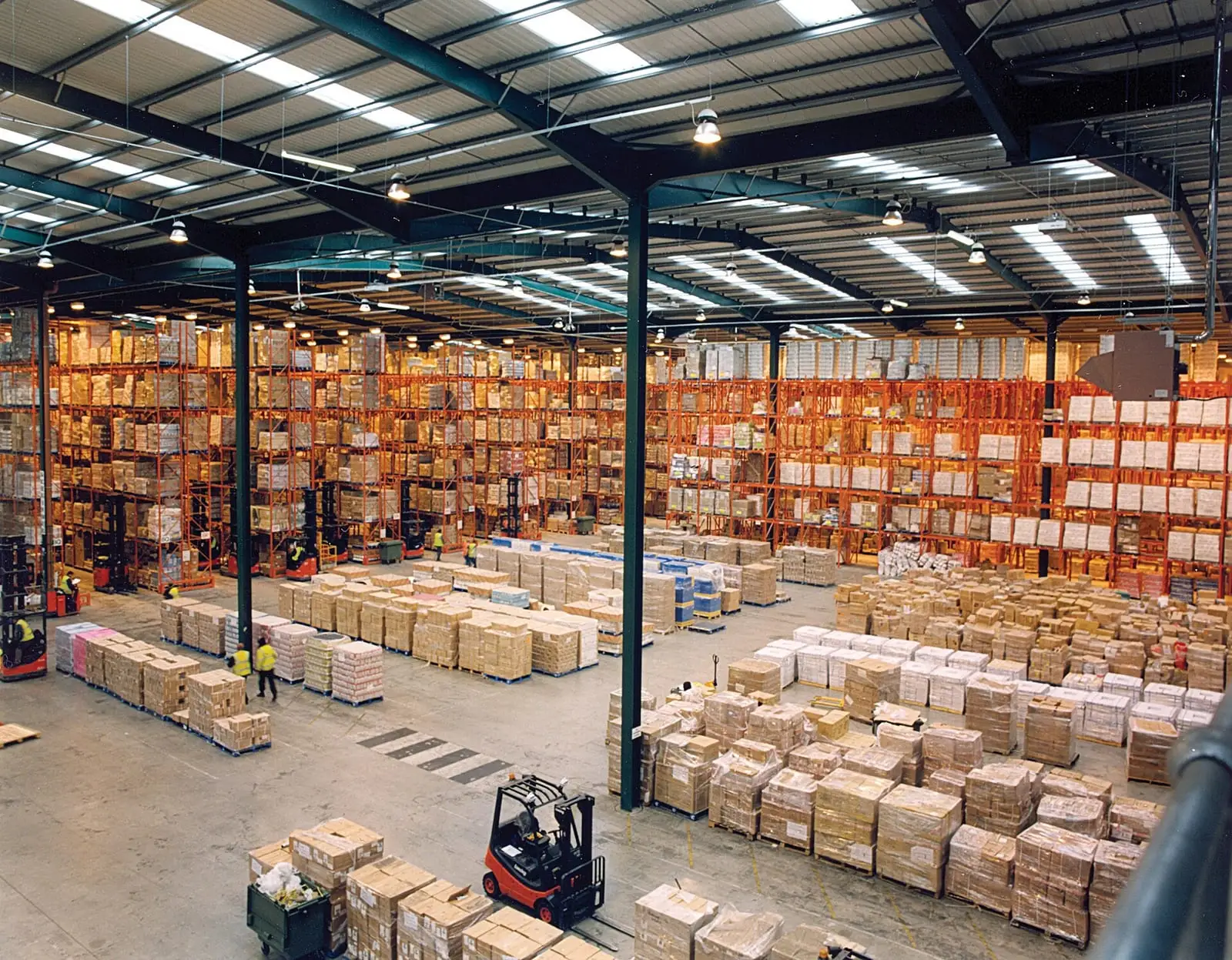
Racks and what sits on them are part of the RF path. NIST lists narrow aisles between metal shelves and liquid tanks among the features that alter propagation in industrial plants, and its factory measurements found that heavy plants can be highly reflective, scattering radio waves erratically. Racks, beams, and loads create reflections, deep nulls, and shadows that change as production changes.
A survey is a snapshot of one fill level. One industrial Wi-Fi guide tells you to test the factory both full and empty, because a half-full warehouse has a different RF footprint from a full one. A vendor design guide for EtherNet/IP over wireless lists changes in the RF environment among the threats to application reliability, and sets survey targets of -67 dBm signal and 25 dB SNR1 for the cell to hold.
NIST recommends that planning include changes in the physical environment that add attenuation or multipath, and that monitoring tell you when the environment has degraded performance. The aisle you surveyed empty is not the aisle you run full.
How to confirm it
- Compare drop locations with the current racking and stock levels, not the drawing the survey used.
- Drive or walk the route with a survey tool at today's fill level and record signal and SNR as the client sees them.
- Repeat at a different fill level if you can, and compare the two.
- Check roam logs for late or failed roams in the affected aisles.
- Rule out airtime causes. If utilization and retries are normal outside the weak spots, coverage is the problem.
The fix
- Add or move access points, or change antennas, so the aisles are covered at their worst fill level.
- Raise or reposition client antennas on vehicles so they see along or over the racks.
- Revalidate the area after the change at production fill level and production speed.
Prevent it at design time
- Survey at full and at empty fill levels, and design to the worse of the two.
- Put racking and storage changes on the wireless change checklist.
- Track signal, SNR, and roam metrics per aisle so slow drift shows up before a line stops.
About this page
Built from 5 sources: 3 standards bodies and labs, 1 vendor document and 1 other source. Researched and drafted with AI assistance, then reviewed and approved by Ben Rutter on . How pages are made
- First published
- Last updated
Change history (1)
- First published
Cite this page
Plain
Ben Rutter. "Racking and inventory levels." OT Wireless, published October 5, 2026. https://otwireless.com/causes/racking-and-inventory-levels/
APA 7
Rutter, B. (2026, October 5). Racking and inventory levels. OT Wireless. https://otwireless.com/causes/racking-and-inventory-levels/
BibTeX
@misc{rutter2026rackingandinventorylevels,
  author = {Rutter, Ben},
  title = {{Racking and inventory levels}},
  year = {2026},
  howpublished = {\url{https://otwireless.com/causes/racking-and-inventory-levels/}},
  organization = {OT Wireless},
}